SMM Panel Automation: How to Save Time and Scale Your Reseller Business
Running an SMM panel becomes much easier when repetitive work is handled automatically. Instead of manually checking orders, updating customers, processing payments, and managing service requests, automation can connect these workflows and keep your reseller business moving.
For SMM panel resellers, automation is not only about saving a few minutes. It can help reduce manual errors, improve response times, and make it easier to handle more orders as your customer base grows.
What Is SMM Panel Automation?
SMM panel automation means using software, APIs, and predefined workflows to handle routine tasks without requiring manual action for every order.
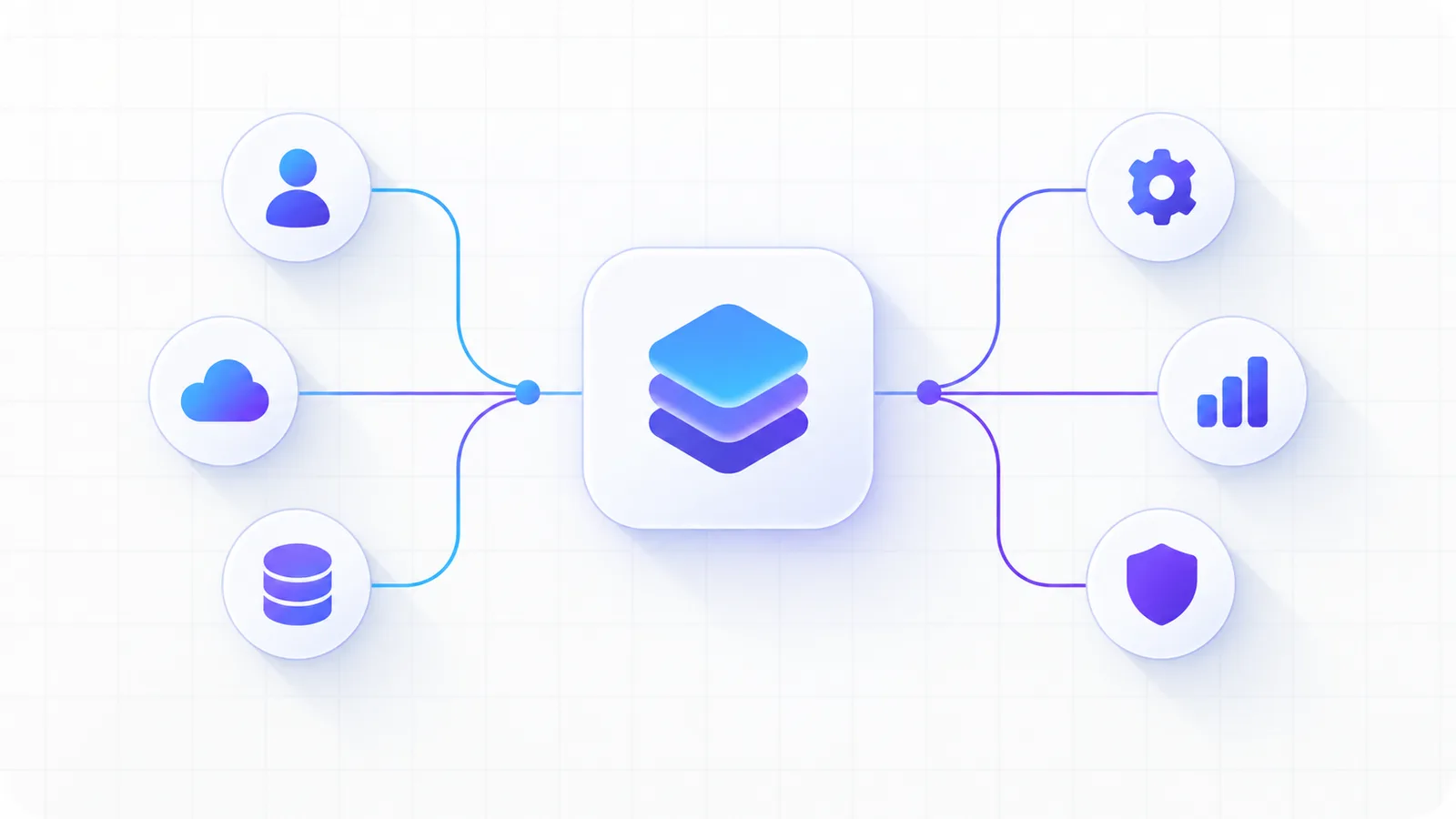
A typical automated workflow can start when a customer places an order on your panel. The system can send the order to your service provider through an API, receive status updates, update the order in your panel, and show the customer the latest information.
This creates a connected process from order placement to completion.
Why Automation Matters for SMM Resellers
When you are starting an SMM panel, manually managing a small number of orders may seem manageable. As orders increase, however, the same tasks can consume a significant amount of time.
Automation helps by handling repetitive operations consistently. Your team can spend less time on routine order management and more time on customer support, marketing, service quality, and business growth.
It can also reduce the risk of mistakes caused by manually copying order details, updating statuses, or processing the same information multiple times.
Key Areas You Can Automate
Order Processing
With API integration, customer orders can be forwarded automatically to the selected service provider. Once the provider responds, your panel can store the order ID and track its progress.
This removes the need to manually place every order with a provider.
Order Status Updates
Customers want to know whether an order is pending, processing, completed, or has encountered an issue.
Automated status synchronization can periodically check the provider and update the order status in your panel. This gives customers better visibility without requiring you to check every order manually.
Payments and Wallet Management
Payment automation can simplify the process of adding funds to customer accounts. After a successful payment, the system can automatically verify the transaction and update the customer's balance.
This can make the buying experience faster while reducing manual payment verification.
Service Synchronization
If your providers frequently add new services or change service information, automation can help synchronize service details through APIs where supported.
This can reduce the work involved in keeping your panel's service catalog updated.
Customer Notifications
Automated notifications can keep customers informed about important events such as successful payments, order completion, failed orders, or balance updates.
Timely communication can reduce unnecessary support requests because customers do not have to ask for every status update.
How SMM Panel APIs Enable Automation
APIs are one of the main building blocks behind SMM panel automation.
An API allows two software systems to communicate with each other. Your reseller panel can send an order request to a provider, receive a response, and store the relevant information in your database.
For example, the workflow can look like this:
Customer places an order → Your panel validates the order → Provider API receives the request → Provider returns an order ID → Your panel tracks the order → Status is synchronized → Customer sees the updated status.
Once this workflow is configured correctly, the same process can run for many orders without manual intervention.
Automation Does Not Mean You Should Ignore Your Customers
Automation should handle repetitive work, not replace customer support.
There will always be situations that need human attention, such as unusual order issues, payment disputes, service quality questions, or account-related problems.
A good reseller business combines automated operations with responsive customer support. Automation handles the predictable workflow while your team focuses on cases that actually need attention.
How Automation Helps You Scale
Scaling an SMM panel is not simply about getting more customers. Your systems also need to handle the additional workload reliably.
Imagine manually processing 50 orders a day. If your business grows to hundreds or thousands of orders, performing the same tasks manually becomes difficult.
Automated order processing, status synchronization, payment handling, and notifications can allow your infrastructure to handle a larger workload without increasing manual effort at the same rate.
That makes automation an important part of building a scalable reseller business.
What to Automate First
You do not need to automate everything on day one.
Start with the tasks that happen most frequently. For many SMM resellers, that means order processing, provider API integration, payment verification, order status updates, and customer notifications.
Once these workflows are stable, you can gradually automate additional processes such as service synchronization, reporting, and customer management.
Build a Reliable Automation Workflow
Automation works best when it is designed with reliability in mind.
Your panel should validate customer requests before sending them to a provider. API failures should be handled safely instead of creating duplicate orders. Payment callbacks should be verified before adding funds. Order status updates should also account for temporary provider downtime.
Good automation is not simply about making a process automatic. It is about making the process predictable, traceable, and recoverable when something goes wrong.
Grow Your SMM Reseller Business With InTechPanel
Building and managing an SMM reseller business becomes easier when repetitive operations are handled through a centralized panel.
InTechPanel provides tools for launching and managing an SMM panel, including reseller-focused workflows and API-based automation capabilities. Instead of spending your time manually managing every order, you can focus on acquiring customers and growing your business.
Automation is one of the foundations of a scalable SMM panel. Start with the repetitive tasks, connect the right APIs, monitor your workflows, and gradually build a system that can support your business as it grows.